日本語
English

株式会社ヒューリンクス
TEL:03-5642-8384
営業時間:9:00-17:30
Q-Chem 6.4 インストールガイド (Windows)
前準備
- Order number の取得
製品版、評価版ともにお客さま固有の Order number が必要です。これは、電子メールにより Q-Chem 社または弊社より連絡されます。
1. インストーラーの取得
Order number をお知らせしたメールに記載のダウンロードページの「Windows Installation Instructions」の「1. Download the Q-Chem 6.4 installer for Windows」のリンクから「qchem-6.4.0-installer.exe」をダウンロードします。
2. インストーラーを実行
- 「qchem-6.4.0-installer.exe」をダブルクリックして実行します。
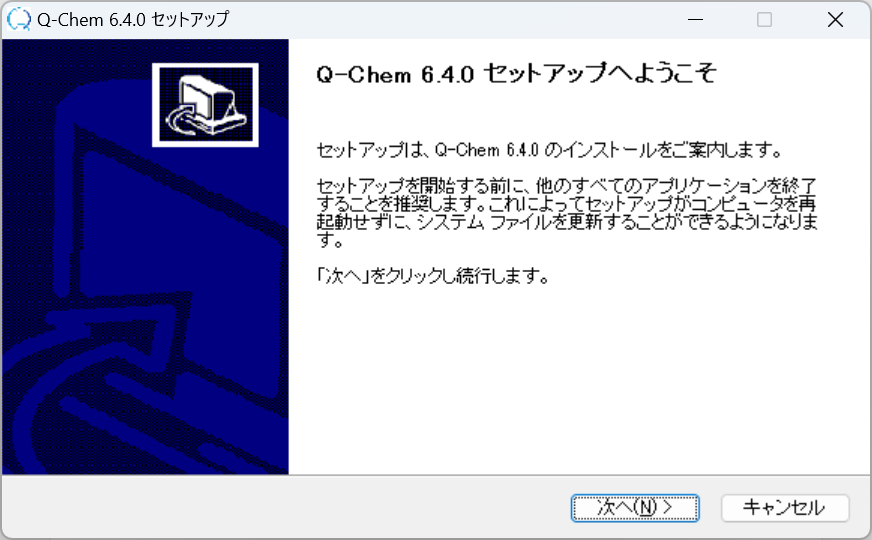
- 「次へ(N)」をクリックします。
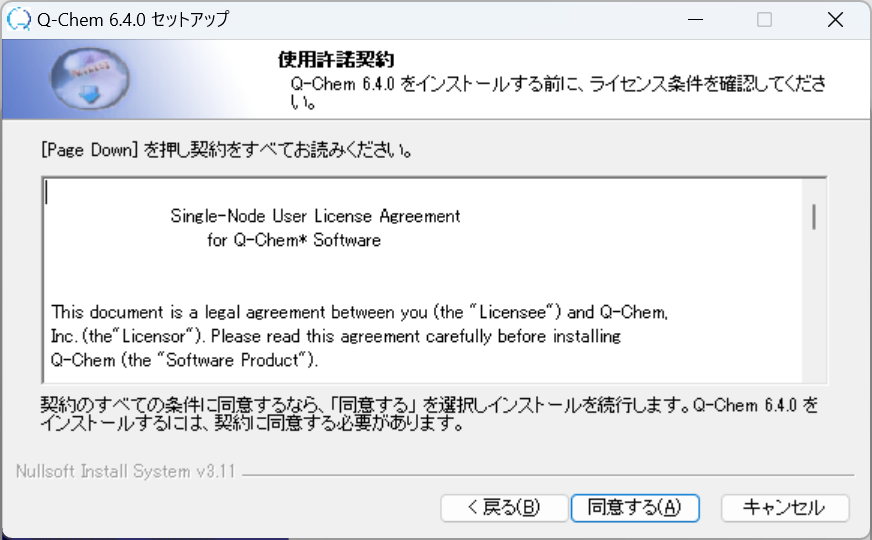
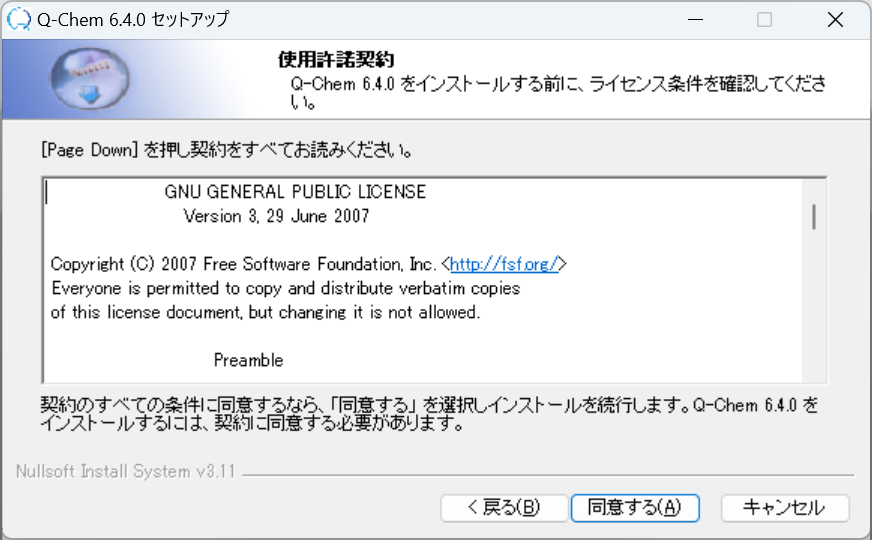
- 使用許諾契約書 (2種) を確認し、「同意する(A)」をクリックします。
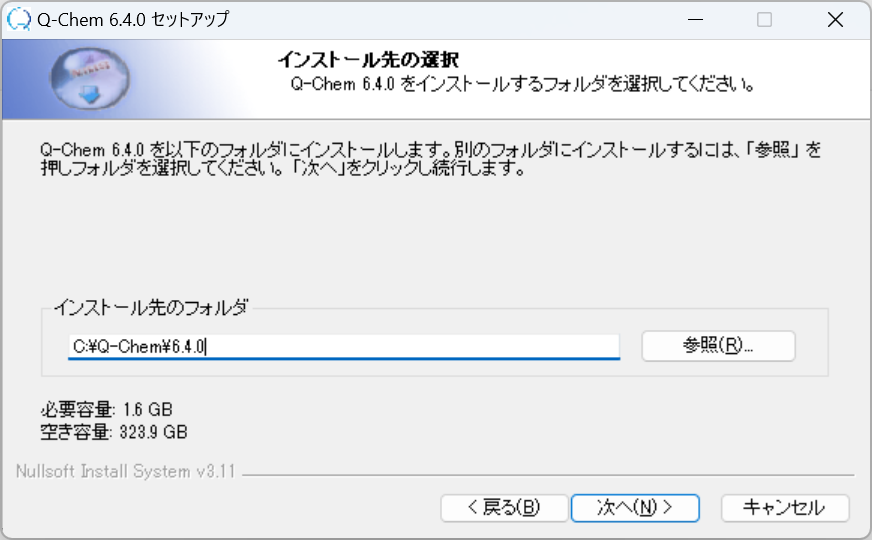
- インストール場所を指定し、「次へ(N)」をクリックします。既定のインストール場所は、「C:Q-Chem6.4.0」 です。
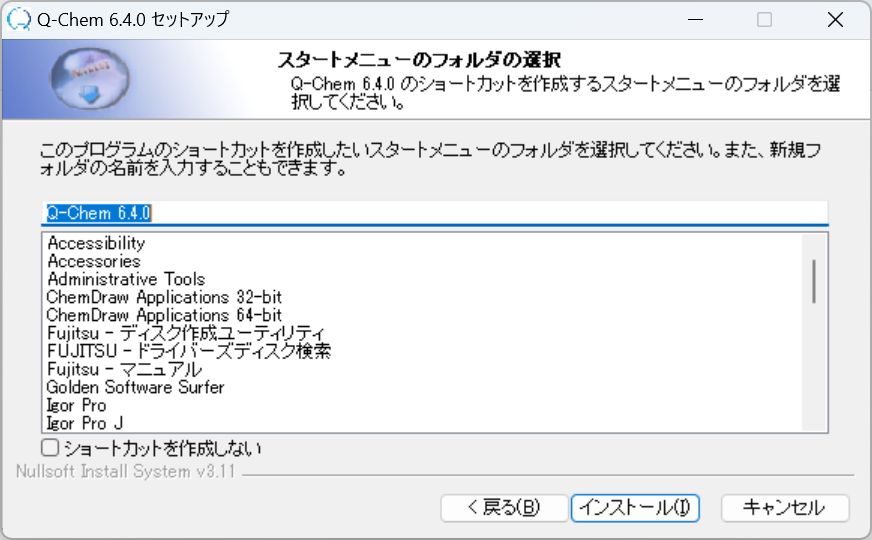
- スタートメニューに表示されるフォルダ名を指定します。既定では「Q-Chem 6.4.0」です。デスクトップにショートカットを作成しない場合は、チェックマーク入れてからクリックしてください。「インストール」をクリックします。
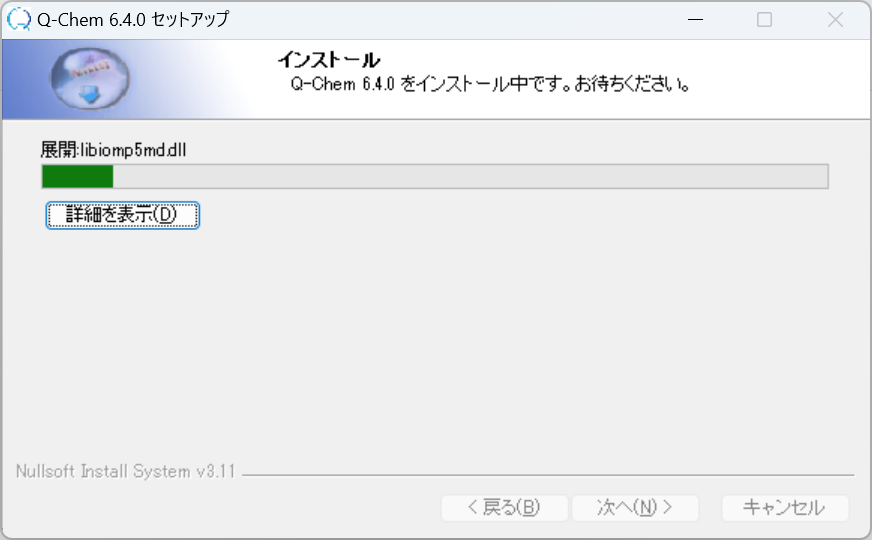
- プログラムのインストールが開始されます。
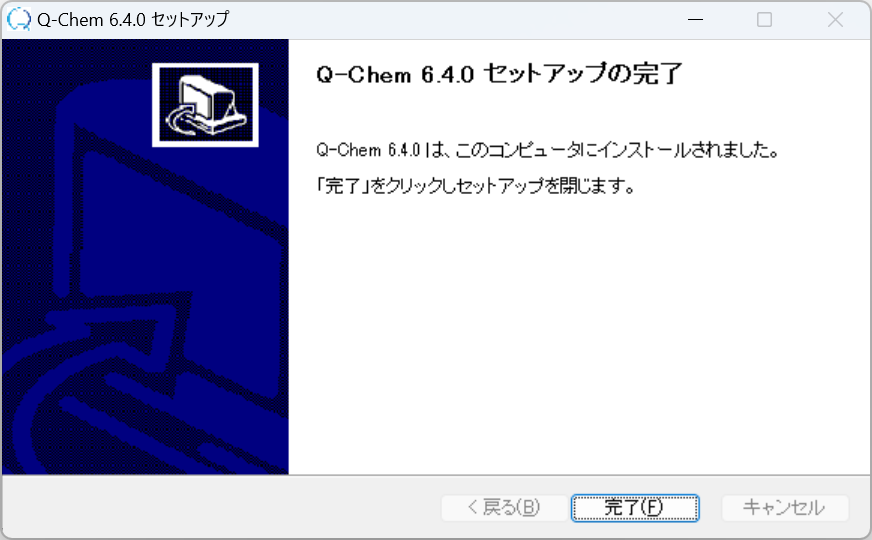
- インストールが終わると下記画面が表示されます。「完了(F)」をクリックします。
3. ライセンス申請情報の取得
- スタートメニューの Q-Chem 6.4.0 から「Register Q-Chem」を選択します。
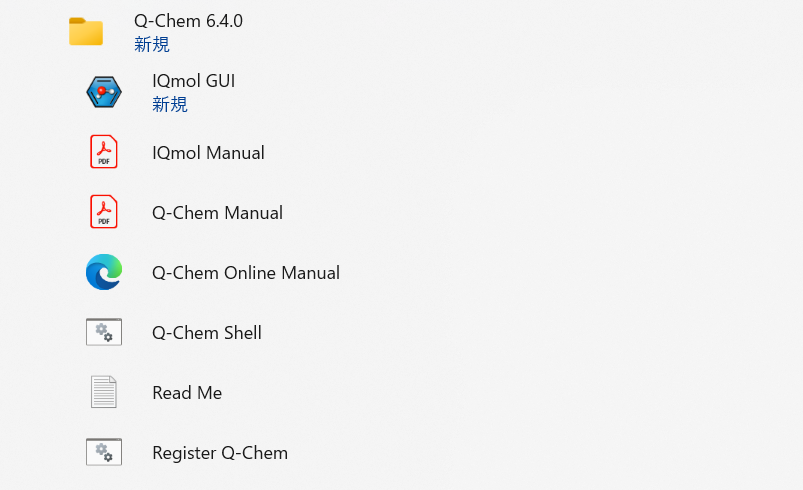
- Order number とユーザーデータの入力が求められます。
Please provide your Q-Chem Order Number Below:
- The order number is usually on the CD cover/insert or in the email you received from Q-Chem.
- If you are a new Q-Chem user without order nubmer please enter below and provide the registration information subsequently.
Your order number is:
####
Please enter your name (First Last) below
John Doe
Please enter your email address below
example@hulinks.co.jp
Please enter your Institute/Company below
Hulinks Inc.
Please enter your group name or the name of group leader
Technical Dept. - 入力した情報をもとにライセンスファイル申請情報が作成されたというメッセージが表示され、バッチファイルが終了します。
Your license.dat file c:¥Q-Chem¥6.4.0¥license.data has been generated Please check the information in that file and make sure it is correct You need to email this file to license@q-chem.com to obtain your license keys.
C:¥Q-Chem¥6.4.0>
4. ライセンスファイルの取得
手順3 で作成した「license.data」を弊社、もしくは開発元の Q-Chem 社にメールで送付してください。
- 「license.data」保存場所は既定では「C:\Q-Chem\6.4.0\license.data」
- 送付先アドレス (どちらか一方)
- soft.support@hulinks.co.jp(ヒューリンクスサポート宛)
- license@q-chem.com(Q-Chem 社宛)
5. ライセンス・インストール
開発元 (office@q-chem.com) より下図のような「Q-Chem 6.4.0 License -…」というような件名のメールが届きます。メールに添付されているファイルを、インストールフォルダ (既定では C:\Q-Chem6.4.0) 直下の \qcaux\license に「qchem.license.dat」として保存してください。
- 保存先 : C:\Q-Chem6.4.0\qcaux\license
- ファイル名 : qchem.license.dat
以上で、ライセンスのインストールは完了です。
6. 簡単な動作確認
- スタートメニューから Q-Chem Shell を実行します。
- 下記のようなウィンドウが表示されます。
Q-Chem Version 6.4.0

=== Q-Chem environment variables ===
QC = C:\Q-Chem\6.4.0
QCAUX = C:\Q-Chem\6.4.0.qcaux
QCSCRATCH = C:\Users\user\AppData\Local\Temp

To test Q-Chem, type 'qchem dft_b3lyp_h2o.in dft_b3lyp_h2o.out'

C:\Q-Chem\6.4.0> - サンプルファイルを実行し、計算が正常に実行されるかを確認します。
- %QC%qcauxsamples ディレクトリにサンプル入力ファイルがあります。こちらをコピーして実行する手順を、以下に示します。
実行例:C:¥Q-Chem¥6.4.0>copy samplesscfHF_water.in
1 個のファイルをコピーしました。
C:¥Q-Chem¥6.4.0>qchem HF_water.in HF_water.out
Running Q-Chem job 1 of 1
"C:¥Q-Chem¥6.4.0"exe¥qcprog.exe "C:¥Users¥user¥AppData¥Local¥Temp"¥qchem11842¥qcinp_11842.in_0 "C:¥Users¥*****¥AppData¥Local¥Temp"¥qchem11842/
Removing scratch directory C:¥Users¥user¥AppData¥Local¥Temp¥qchem11842 C:¥Q-Chem¥6.4.0>